Home Products → SpaceX Tatkal Software → EndGame Tatkal Software → Tesla Tatkal Software → DoctorDoom Tatkal Software → AlexaX Tatkal Software → StarLink Tatkal Software Download Blog Contact
Free Demo Download View All Products
Free Demo — No Registration Needed

Download Tatkal Software Free Demo

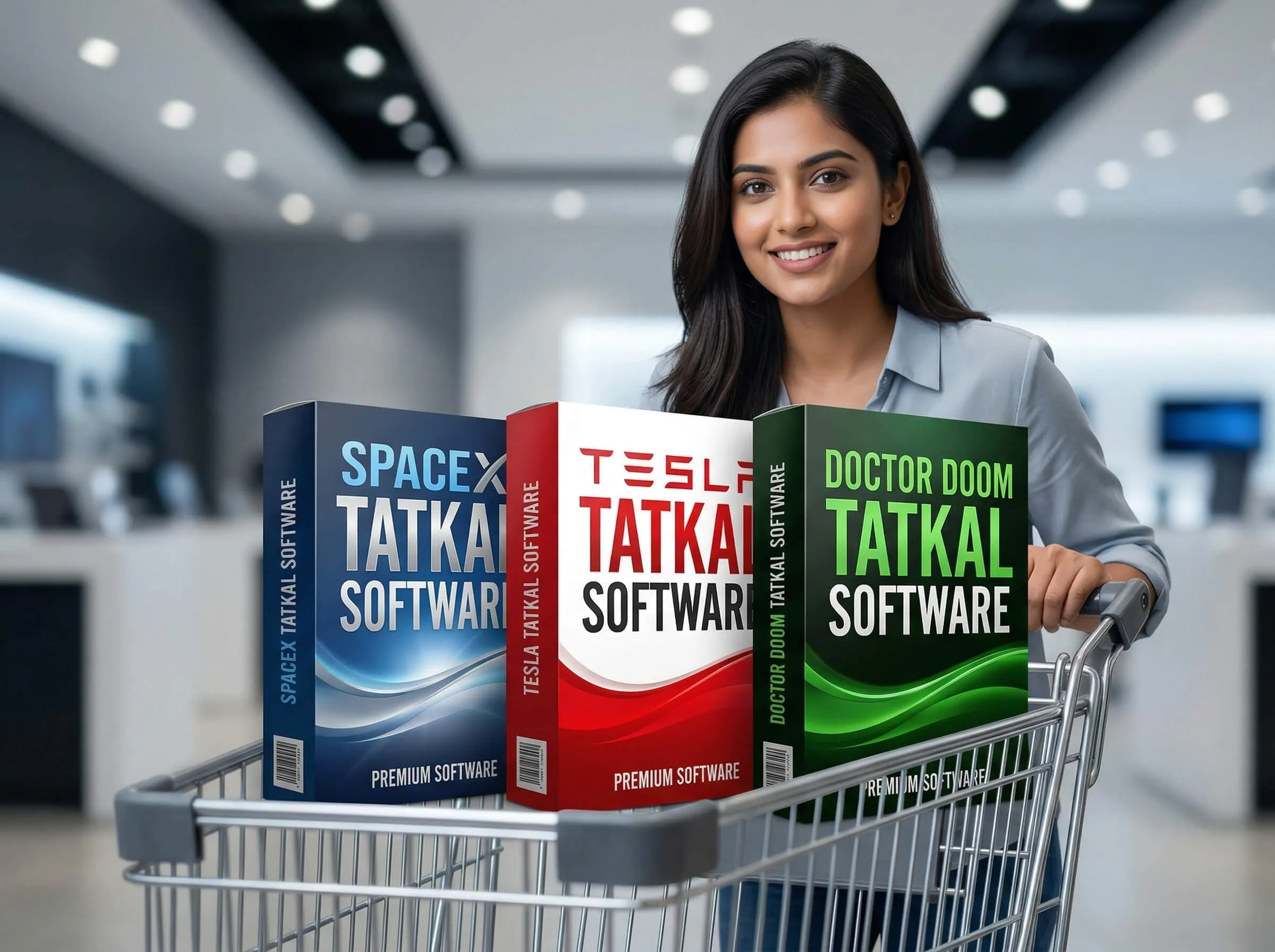
Try SpaceX, EndGame, Tesla, DoctorDoom, AlexaX, or StarLink Tatkal Software before you buy. Full feature access, no hidden limits on the interface — test everything and upgrade when you're ready.

  • Full software dashboard — no features hidden
  • Passenger profile setup and auto fill preview
  • Captcha support module active in demo
  • Booking history and analytics dashboard access
  • WhatsApp setup support included
100% Safe Download
Windows 10 / 11
Install in 3 Minutes
Tatkal Software – IRCTC Tatkal ticket booking automation for travel agents
Free Downloads

Pick Your Tatkal Software

All six demos are completely free. Install, explore every feature, then purchase the full license when ready.

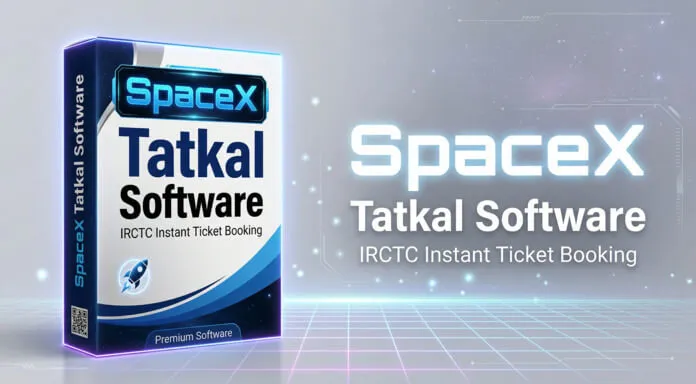
SpaceX Tatkal Software
Ultra Fast Booking Engine
v3.2.1 — Latest

The fastest Tatkal booking tool for travel agents. SpaceX fires booking requests at lightning speed, giving you the best chance of securing Tatkal seats the moment the window opens.

Version
3.2.1
Platform
Windows 10/11
File Size
45 MB
Updated
Mar 2025
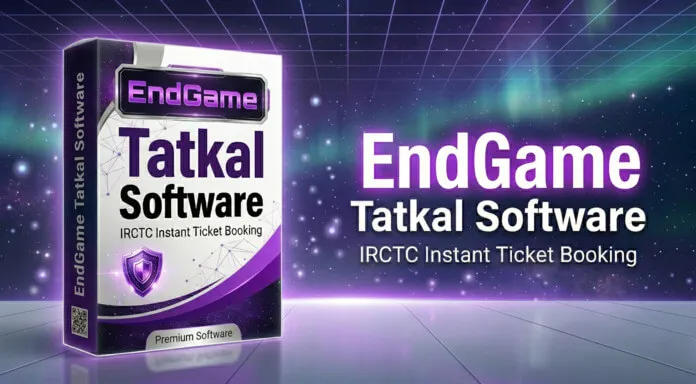
EndGame Tatkal Software
Advanced Automation Suite
v2.8.0 — Latest

Full automation Tatkal software with auto OTP detection and auto payment. The most comprehensive booking tool for agents who want hands-free Tatkal booking from start to finish.

Version
2.8.0
Platform
Windows 10/11
File Size
52 MB
Updated
Mar 2025
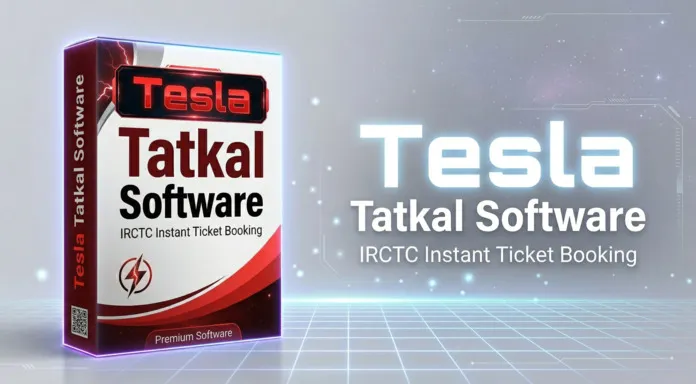
Tesla Tatkal Software
Smart AI Auto Fill
v1.5.3 — Latest

Smart IRCTC Tatkal booking with AI-assisted form filling, integrated captcha support, and a high-speed booking engine. Designed for agents who prioritize accuracy and reliability.

Version
1.5.3
Platform
Windows 10/11
File Size
38 MB
Updated
Mar 2025
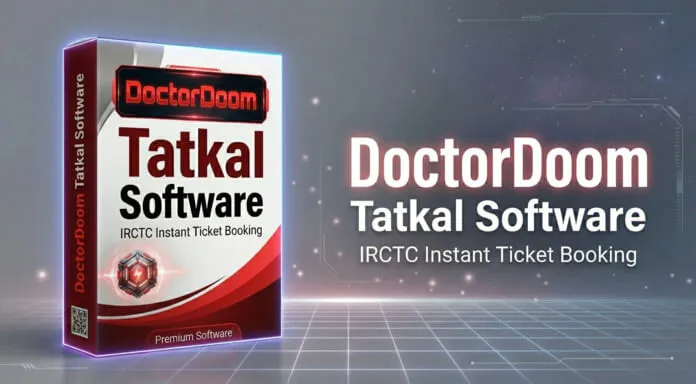
DoctorDoom Tatkal Software
High Precision Booking Engine
v2.1.0 — Latest

High-precision IRCTC Tatkal booking software designed for agents who need laser-accurate form filling and reliable booking under pressure. Consistent performance across all Tatkal routes.

Version
2.1.0
Platform
Windows 10/11
File Size
41 MB
Updated
Mar 2025
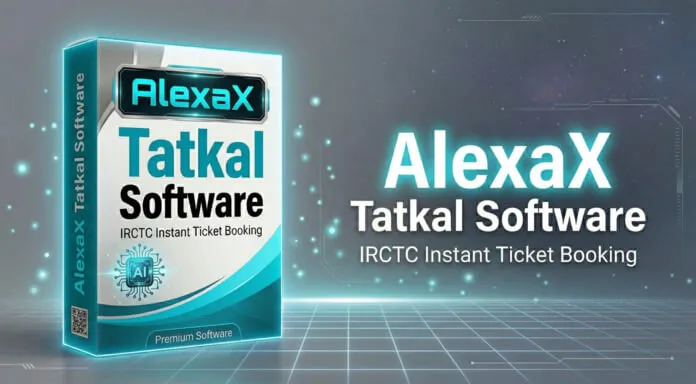
AlexaX Tatkal Software
Smart Session Booking
v1.8.2 — Latest

AlexaX manages multiple IRCTC sessions simultaneously, letting agents book Tatkal tickets for multiple passengers in parallel. Smart session handling for maximum booking throughput.

Version
1.8.2
Platform
Windows 10/11
File Size
44 MB
Updated
Mar 2025
Requirements

System Requirements

All Tatkal Software products share the same minimum system requirements. Ensure your PC meets these specs for the best performance.

Operating System
Windows 10 / 11
64-bit only. 32-bit not supported.
RAM
4 GB Minimum
8 GB recommended for best performance.
Storage
100 MB Free Space
On installation drive. SSD preferred.
Internet
Broadband Connection
Stable high-speed internet for Tatkal booking.
Browser
Chrome 100+ (Bundled)
Chromium is bundled with the installer.
Permissions
Admin Rights
Administrator access needed for install only.
Demo vs Full Version

What the Demo Includes

Our demo is designed to give you a complete preview of every feature before you purchase the full license.

Feature
Demo Version
Full Version
Full software dashboard & settings
Included
Included
Passenger profile management
Included
Included
IRCTC login ID setup & test
Included
Included
Captcha support module
Active
Active
Train search & seat availability
Included
Included
Booking speed simulation
Preview
Full Speed
Live IRCTC Tatkal bookings
Not Available
Unlimited
Real OTP & payment gateway
Not Available
Auto OTP
Software updates
No Updates
Free Updates
Priority WhatsApp support
Setup Only
24/7 Support
Ready to unlock real bookings? Contact us on WhatsApp — license keys are delivered within minutes. Get License →
Installation Guide

Install in Under 3 Minutes

Follow these four simple steps to get your Tatkal Software up and running on your Windows PC.

1
Step 1
Download the Installer

Click the download button for your chosen product — SpaceX, EndGame, or Tesla. The .exe installer file will download to your PC automatically after the 10-second countdown.

2
Step 2
Run as Administrator

Right-click the downloaded .exe file and select "Run as administrator". Windows may show a security prompt — click "More info" then "Run anyway" to proceed with the installation.

3
Step 3
Follow the Setup Wizard

The installation wizard will guide you through the rest. Choose your install directory, accept the terms, and click "Install". The process takes about 1–2 minutes to complete.

4
Step 4
Launch & Configure

Launch the software from your desktop shortcut. Add your IRCTC ID and passenger profiles. Contact us on WhatsApp to activate your license key for full booking access.

FAQ

Download & Installation Questions

Common questions about downloading, installing, and activating Tatkal Software on your Windows PC.

Yes, the demo versions of SpaceX, EndGame, and Tesla Tatkal Software are completely free to download — no credit card or registration required. Simply click the download button, wait for the countdown, and the installer will download to your PC. The demo lets you explore the full software interface before you purchase a license.

Windows SmartScreen may show a warning for software not digitally signed by a large publisher. This is a standard Windows security feature and does not mean the software is harmful. To install, click "More info" in the warning dialog and then click "Run anyway". Our software is safe, regularly tested, and used by 1000+ professional travel agents across India.

The demo version can be installed on any Windows PC without restriction. The full licensed version is tied to a single PC per license key by default. If you need multi-PC installation for your agency, contact us on WhatsApp for our multi-seat licensing options which are available at discounted rates.

To get your license key, contact us on WhatsApp using the floating button on this page or reach us at support@tatkalsoftwaremart.com. Share your preferred product (SpaceX, EndGame, or Tesla) and our team will guide you through the payment and activation process. License keys are delivered within minutes of payment confirmation.

If the software doesn't launch after installation: (1) Right-click the software icon and select "Run as administrator". (2) Temporarily disable your antivirus and try again — some programs block new software. (3) Ensure Windows is updated to the latest version. If the issue persists, contact our WhatsApp support and our team will remotely assist you within 30 minutes.

Free Demo — No Card Required

Start Booking Tatkal Tickets Faster Today

Download the free demo, test every feature, and get your license key on WhatsApp. Join 1000+ travel agents who win Tatkal seats every day.